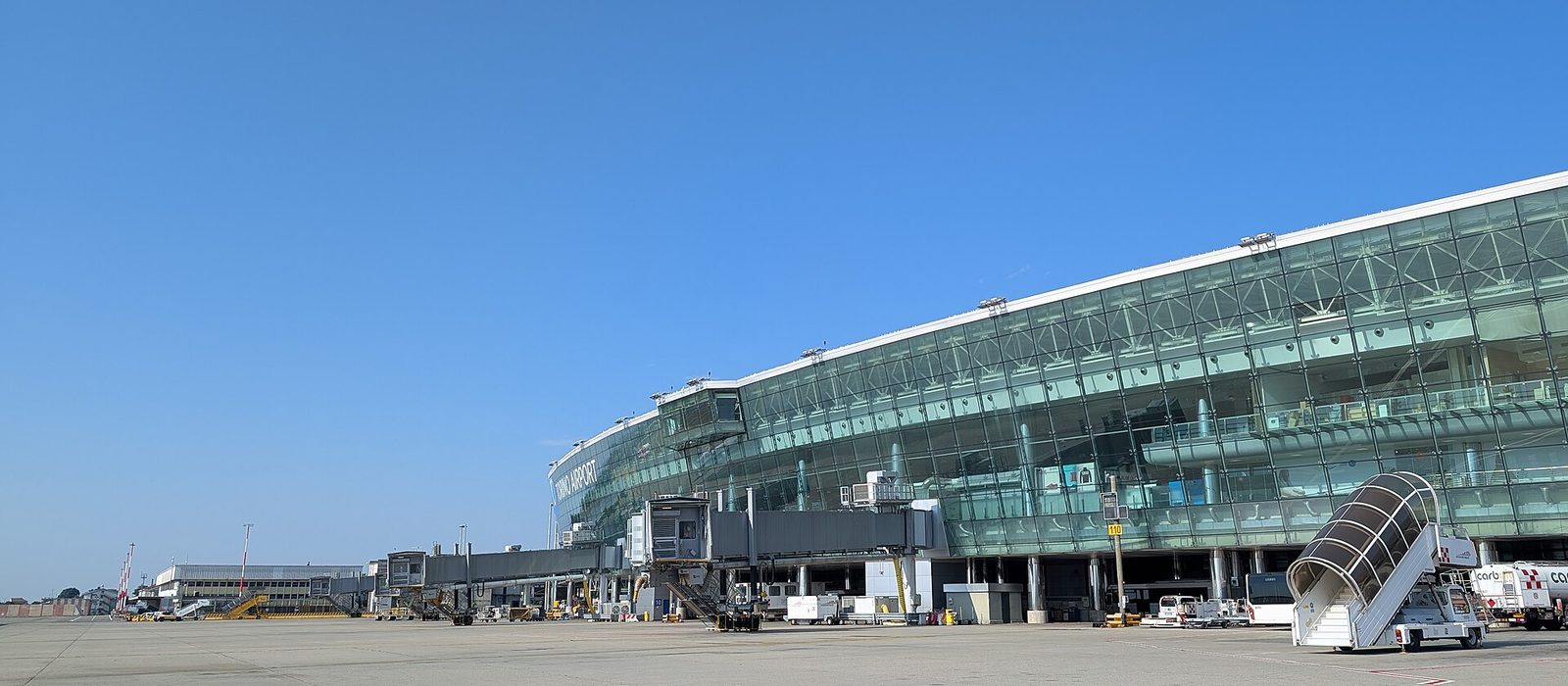
Torino Airport (TRN)
Your ALPS AZUR airport pickup: check your confirmed Booking for the terminal, meeting point and Pickup Time before travelling.
Photo: EdoBoo / Wikimedia Commons · CC BY-SA 3.0
Terminals & meeting points
- The passenger terminal has Arrivals on Level 0.
- After collecting your luggage and completing any required checks, enter public Arrivals on Level 0 and go to the Welcome to Piemonte information point. Your ALPS AZUR driver will meet you there.
Your arrival journey
- After landing, complete passport checks if required, collect your baggage (including any oversized items), pass customs if applicable and enter the public Arrivals area. Your chauffeur will meet you at the point shown in My Booking and accompany you to the vehicle; you do not need to search the car park.
- Use the chauffeur/contact details in your current My Booking confirmation to identify and contact your driver. Follow the confirmed meeting-point instruction; do not rely on an unconfirmed sign or vehicle location.
- The authoritative Pickup Time is the time in the current confirmed Booking version. Airport pickup includes 60 minutes of complimentary waiting from that time. The end of this period does not automatically mean a No-Show or cancellation. ALPS Operations assesses any No-Show under the applicable Terms & Conditions.
- If you cannot find your chauffeur, stay at the confirmed meeting point, check My Booking and contact the chauffeur or ALPS AZUR. Do not go searching in the car park.
- If you are in the wrong terminal, stay where you are and contact the chauffeur or ALPS AZUR before moving.
- If your flight is delayed or your arrival changes, contact ALPS AZUR as soon as practical. Flight tracking and baggage delays are used for operational coordination; neither automatically changes the confirmed Pickup Time.
- For delayed, missing or damaged checked baggage, report the issue to the airline or its handling company, keep the incident reference and inform ALPS AZUR promptly.
- Collect skis and other oversized items through the airline/airport’s designated baggage procedure. Do not assume a specific ski-baggage belt unless confirmed locally.
- If you need reduced-mobility or other airport assistance, arrange the airport/airline service in advance and tell ALPS AZUR about any transfer-specific requirements. These are separate services.
- Save your booking and pickup details before travelling. If you have no mobile data, use available airport Wi-Fi or ask at an information point where one is available; then contact your chauffeur or ALPS AZUR.
- Before travel, verify your flight, arrival terminal, passenger and luggage details, meeting point and confirmed Pickup Time in My Booking. Contact ALPS AZUR if anything is incorrect or changes.
Practical information
- Free Torino Airport Wi-Fi is available in Arrivals, Departures and boarding areas; email registration is required.
- Passenger flows, passport checks, baggage handling and road access can vary, particularly during busy travel periods. Check current airport information and keep your phone available. No fixed queue time is guaranteed.
- Winter traffic is relevant for Alpine journeys, but exact recurring peak dates are not established.
- ALPS AZUR assistance: +33 7 68 48 93 13. Use your confirmed Booking for your assigned chauffeur’s contact details.
Official airport resources
- For live flight and airport updates, consult the official airport link below. External information can change; the current Booking remains authoritative for your ALPS pickup.
- Official airport information: https://www.torinoairport.com/en/tofly/flights/departs-arrivals
Book your airport transfer
Enter your route details to request a transfer from the airport.
Skis, families and additional requirements
Travel requirements are declared while booking, so your journey is arranged with them in mind.
- Ski and snowboard equipment
- Standard and hand luggage
- Oversized or excess luggage
- Child seats
- Pets
- Additional stops
- Special or accessibility requirements
Some combinations of passengers, equipment and vehicle class need to be confirmed by our team before the journey is arranged.
Vehicle classes
A vehicle class describes the type of vehicle arranged for your journey. Passenger capacity is shown for each class.
Economy Van
Up to 8 passengersRenault Trafic or equivalent.
Business Van
Up to 7 passengersMercedes-Benz V-Class or equivalent for travelling as a group.
How booking works
- 01
Plan your journey
Enter pickup, destination, date and travel requirements.
- 02
Choose your vehicle
Select the vehicle class appropriate for your party.
- 03
Confirm your request
Provide your contact details and submit the journey.
- 04
Complete your booking
Alps Azur confirms the applicable booking and quote process with you.
Your Alps journey, privately arranged.
Tell us where you need to go in the French Alps and we'll help arrange the right private transfer.